
Introduction
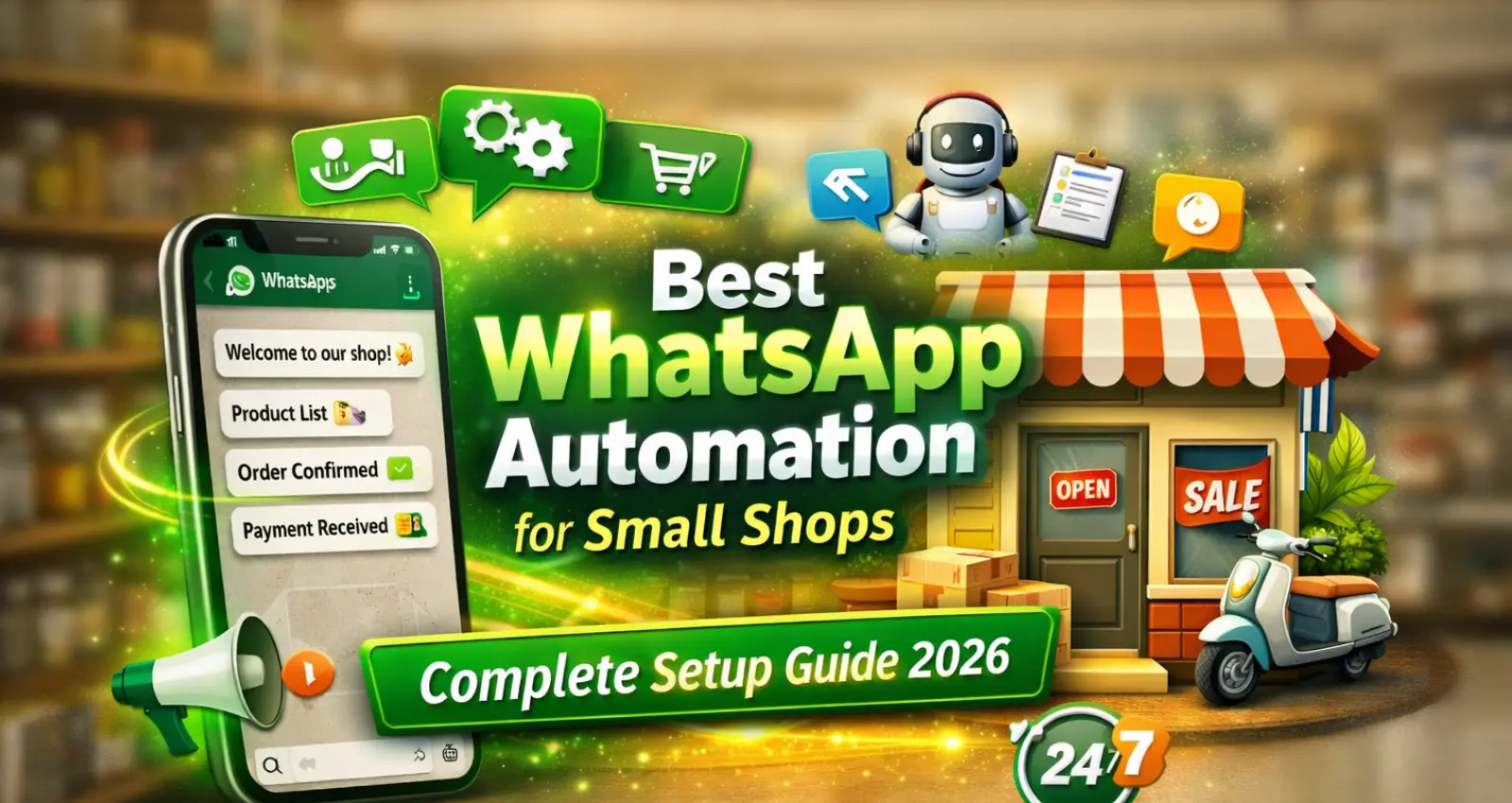
Best WhatsApp Automation for Small Shops: आज 2026 में छोटे दुकानदारों के लिए customers से direct connect रहना बहुत जरूरी हो गया है। WhatsApp पहले से ही भारत में सबसे ज्यादा इस्तेमाल होने वाला messaging platform है, इसलिए WhatsApp Business API small shops के लिए एक powerful tool बन चुका है।
अगर आपकी किराना shop, clothing shop, electronics shop या कोई भी local business है, तो WhatsApp Business API की मदद से आप automatic replies, bulk notifications, order updates और customer support आसानी से manage कर सकते हैं। इस guide में हम step-by-step simple Hindi में समझेंगे कि Indian small shops WhatsApp Business API कैसे setup कर सकते हैं। अगर आप AI automation का basic concept समझना चाहते हैं, तो हमारा यह guide जरूर पढ़ें — AI Agent kya hota hai
Table of Contents
What is WhatsApp Business API
WhatsApp Business API एक advanced messaging system है जो businesses को automation, bulk messaging और chatbot integration की सुविधा देता है। साधारण WhatsApp Business App केवल manual chatting के लिए होता है, जबकि API version large-scale messaging, customer support automation और CRM integrations के लिए बनाया गया है, जिससे growing shops आसानी से professional communication maintain कर सकती हैं।WhatsApp Business API की official details आप WhatsApp Business official website पर देख सकते हैं।
Simple शब्दों में:
- WhatsApp Business App = small manual messaging
- WhatsApp Business API = automation + bulk messaging + integrations
इसके जरिए shop owners:
- Order confirmation messages भेज सकते हैं
- Payment reminders भेज सकते हैं
- Automatic chatbot replies सेट कर सकते हैं
- Customer support automate कर सकते हैं
Requirements Before WhatsApp Business API Setup
WhatsApp Business API setup शुरू करने से पहले कुछ basic requirements तैयार रखना जरूरी है जैसे business mobile number, Facebook Business Manager account, shop details और display name। ये details verification process को आसान बनाती हैं और approval जल्दी मिलने की संभावना बढ़ाती हैं, जिससे setup process बिना किसी delay के complete हो सके।
- Active business mobile number (जो WhatsApp पर use नहीं हो रहा हो)
- Facebook Business Manager account
- Business website या shop details
- Display name (shop name)
- GST / business registration (optional लेकिन helpful)
GST number helpful होता है लेकिन हमेशा mandatory नहीं होता। कई providers business website, Udyam/MSME registration या अन्य business proof के आधार पर भी onboarding allow करते हैं, जिससे small shops भी आसानी से API access प्राप्त कर सकती हैं। ये basic चीजें ready हों तो approval जल्दी मिल जाता है।
Step 1: Create Facebook Business Manager Account
WhatsApp API Meta platform के जरिए activate होता है, इसलिए सबसे पहले Facebook Business Manager account बनाना जरूरी होता है। इसमें business name, email और company details add करके verification process complete करना होता है, जिससे आपका business officially Meta system में registered हो जाता है और आगे के steps आसानी से proceed किए जा सकते हैं।
Steps:
- business.facebook.com पर जाएं
- Create Business Account पर क्लिक करें
- Shop name, email और details fill करें
- Business verification complete करें
Verification के बाद आपका business Meta system में registered हो जाता है।
Step 2: Choose Official WhatsApp Business API Provider
Small shop owners के लिए direct WhatsApp API setup थोड़ा technical हो सकता है, इसलिए official API providers जैसे Interakt, WATI या AiSensy का उपयोग करना आसान रहता है। ये platforms ready dashboards, automation tools और आसान onboarding process देते हैं, जिससे बिना coding knowledge के भी shop owners WhatsApp automation शुरू कर सकते हैं।
India में popular providers:
- Interakt
- WATI
- AiSensy
- Zoko
इन platforms की मदद से बिना coding के WhatsApp automation setup किया जा सकता है। API onboarding steps समझने के लिए official documentation देखना helpful रहता है।
Step 3: Connect Your Business Phone Number
API provider चुनने के बाद आपको अपना business mobile number connect करना होता है, जो पहले किसी WhatsApp account पर active न हो। Dashboard में number add करके OTP verification complete किया जाता है, और WhatsApp approval मिलने के बाद वही number official business messaging के लिए activate हो जाता है।
Process:
- Provider dashboard में login करें
- “Add WhatsApp Number” option चुनें
- OTP verification करें
- Display name submit करें
कुछ घंटों या 1–2 दिन में WhatsApp approval मिल जाता है।
Approval Time for WhatsApp Business API
WhatsApp Business API approval time business verification, document review और number verification पर depend करता है। Basic onboarding कुछ घंटों में शुरू हो सकता है, लेकिन complete WhatsApp Business API approval और full access मिलने में आमतौर पर 7–14 दिन तक लग सकते हैं, जबकि message template approval सामान्यतः 15 मिनट से 24 घंटे के भीतर हो जाता है।
Step 4: Create Message Templates for Notifications
WhatsApp API में bulk या notification messages भेजने के लिए approved message templates जरूरी होते हैं। आप order confirmation, delivery update, payment reminder और promotional offers जैसे templates submit कर सकते हैं, जिन्हें approval मिलने के बाद automated तरीके से हजारों customers को भेजा जा सकता है।
आप templates बना सकते हैं जैसे:
- Order confirmation
- Delivery update
- Payment reminder
- Offer notification
Example:
“आपका order successfully confirm हो गया है। धन्यवाद।”
Approval के बाद आप हजारों customers को automatic messages भेज सकते हैं।
Step 5: Setup Automation and Chatbot
Automation setup करने से customer experience काफी बेहतर हो जाता है क्योंकि customers को instant reply मिल जाता है। Welcome messages, product enquiry replies, shop timing information और order tracking जैसे chatbot responses configure करके shop owners manual workload कम कर सकते हैं और customer satisfaction बढ़ा सकते हैं।
Automation examples:
- “Hi” लिखते ही welcome message
- Product enquiry auto reply
- Shop timing auto response
- Order tracking auto system
इससे customer experience improve होता है और manpower भी कम लगता है।
Automation workflows के practical examples देखने के लिए आप हमारा detailed guide AI Agent Workflow Examples for Beginners भी पढ़ सकते हैं।
Step 6: Integrate WhatsApp API with Your Shop System
अगर आपकी online store website या POS system है, तो WhatsApp API integration से पूरी sales process automate की जा सकती है। इससे cart reminders, COD confirmation, shipping updates और customer follow-ups automatic भेजे जा सकते हैं, जिससे conversion rate बढ़ता है और operational efficiency बेहतर होती है।
Integration से आप:
- Cart abandoned reminders भेज सकते हैं
- COD confirmation कर सकते हैं
- Shipping updates automatic भेज सकते हैं
यह feature sales increase करने में बहुत helpful होता है। अगर आप WhatsApp automation के लिए no-code tools ढूंढ रहे हैं, तो हमारे recommended No-Code AI Agent Builder Tools की list जरूर देखें।
Benefits of WhatsApp Business API for Small Shops
WhatsApp Business API small shops को faster communication, automated support, marketing campaigns और better customer engagement जैसे कई फायदे देता है। इससे business professional दिखाई देता है, response time कम होता है और repeat customers बढ़ते हैं, जो long-term growth के लिए बहुत जरूरी होता है।
- Customer communication fast हो जाता है
- Manual messaging time बचता है
- Sales conversion बढ़ता है
- Customer trust improve होता है
- Marketing campaigns आसान हो जाते हैं
आज के competitive market में WhatsApp automation small businesses के लिए growth accelerator बन चुका है।
Estimated Cost of WhatsApp Business API in India
भारत में WhatsApp Business API का cost provider, subscription plan और message usage पर depend करता है। आमतौर पर monthly platform fee और conversation-based messaging charges होते हैं, इसलिए small shop owners अपने budget के अनुसार basic automation plan से शुरुआत करके धीरे-धीरे scale कर सकते हैं।
Approximate Pricing:
- Platform subscription (BSP / automation tool): ₹800 – ₹3000 प्रति माह (provider पर depend करता है)
- Message conversation charges: Meta की conversation-based pricing के अनुसार usage-based charges लागू होते हैं
- Small shops basic automation setup कम बजट में भी शुरू कर सकती हैं और जैसे-जैसे usage बढ़ता है, cost उसी के अनुसार बढ़ती है
Conclusion
अगर आप Indian small shop owner हैं और customer communication professional बनाना चाहते हैं, तो WhatsApp Business API setup आपके business को next level पर ले जा सकता है। शुरुआत में setup थोड़ा technical लग सकता है, लेकिन API providers की मदद से यह process आज बहुत आसान हो चुका है।
आज 2026 में smart shops वही हैं जो automation अपनाते हैं — और WhatsApp API small businesses के लिए सबसे powerful automation tools में से एक है।
Related
- Powerful No-Code WhatsApp AI Agents for Indian Shops
- Powerful AI Automation for E-Commerce Order Management
- Build n8n AI Agent Workflows Without Coding (Beginner Guide 2026)
- Make.com AI Automation Workflows for Small Businesses
FAQ
Q1. What is Best WhatsApp Automation for Small Shops?
Best WhatsApp Automation for Small Shops वह system है जो auto-replies, product details sharing और order confirmation messages automatically भेजकर customer communication को fast और आसान बनाता है।
Q2. Why should shops use Best WhatsApp Automation for Small Shops?
Best WhatsApp Automation for Small Shops shops को instant replies देने, enquiries handle करने और follow-up messages automatically भेजने में मदद करता है, जिससे sales conversion chances बढ़ जाते हैं।
Q3. Is Best WhatsApp Automation for Small Shops expensive?
2026 में Best WhatsApp Automation for Small Shops affordable हो चुका है। Small shops low monthly budget में API provider और automation tools के साथ आसानी से setup शुरू कर सकती हैं।
Q4. How long does Best WhatsApp Automation for Small Shops setup take?
Basic Best WhatsApp Automation for Small Shops setup कुछ घंटों में तैयार हो सकता है, जबकि advanced automation flows setup करने में 1–2 दिन लग सकते हैं।
Q5. Is Best WhatsApp Automation for Small Shops safe to use?
Official WhatsApp API providers के साथ किया गया Best WhatsApp Automation for Small Shops setup पूरी तरह safe और WhatsApp policies के अनुसार compliant होता है।
Q6. WhatsApp API approval me kitna time lagta hai?
Verification complete होने के बाद full WhatsApp API access मिलने में आमतौर पर 7–14 दिन लग सकते हैं, जबकि templates approval 24 घंटे के भीतर हो जाता है।
1 thought on “Best WhatsApp Automation for Small Shops – Complete Setup Guide 2026”